Multiple price level for Individual products
You can add multiple sale price lists for individual products from the Setup menu once allowed from company settings. Bulk operations also available likewise products to update price.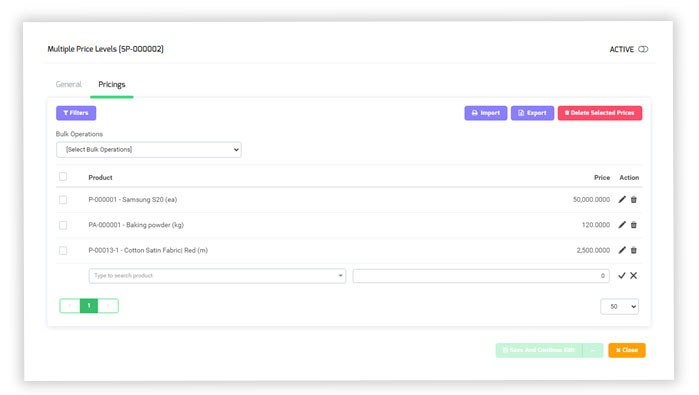
Checkbox for “show in-active” prices
Users can now filter list of multiple price levels by active and in-active pricing records. A checkbox named “show in-active” is placed in filter tab of “multiple price levels”. By default, this checkbox is unchecked and the list only shows active prices. If a user checks this checkbox, all in-active prices will also be displayed.